Browser version
The mobile browser version works on any current Chrome or Safari build. If game tiles are not loading, updating your browser usually resolves it without any other change.
The bjjili app brings the full lobby to your mobile screen — slots, live casino tables, and cricket betting markets are all accessible from a supported Bangladesh device.

Before you access the lobby through the app, a quick compatibility check saves time. The points below cover what to look at on your end — browser version, screen layout and account status.
The mobile browser version works on any current Chrome or Safari build. If game tiles are not loading, updating your browser usually resolves it without any other change.
The app layout is optimised for portrait mode on phones and landscape on tablets. Rotating your screen adjusts the lobby view — live tables expand better in landscape.
Full lobby access, including live casino and cricket betting markets, requires a verified account. Check your account status page to confirm your wallet is linked and identity steps are complete.
App access and certain game categories depend on your eligible region under local law. Availability is shown inside your account once your region is confirmed at sign-in.
If your bKash or Nagad wallet shows as unlinked in the app, go to the payment section in account settings and re-confirm the number — this usually refreshes the connection immediately.
The app is built around speed and account clarity — less tapping, more playing. Each of these features is active from the moment you sign in.
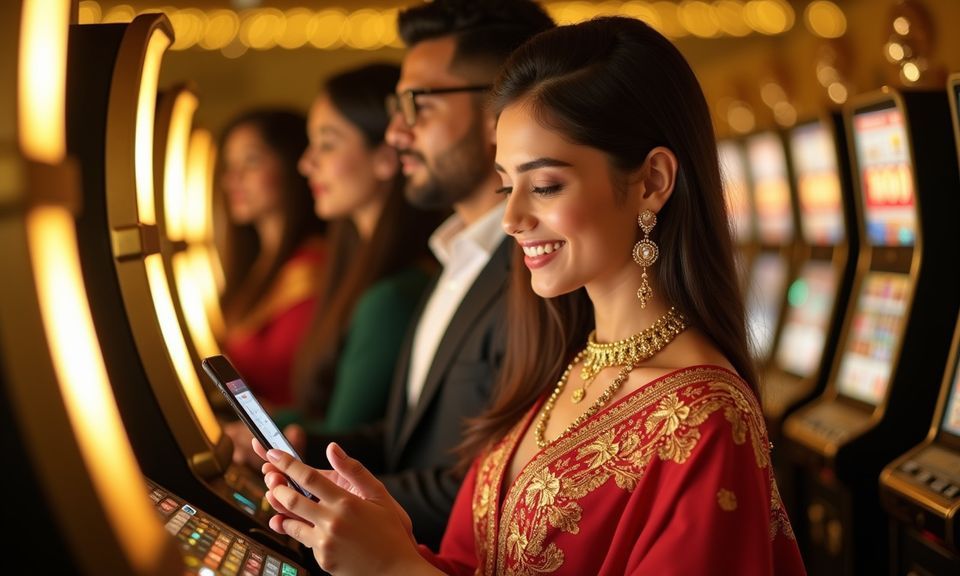
Getting the bjjili app running on your device is straightforward. Start by visiting bjjili on your mobile browser — the site detects your device type automatically and serves the mobile-optimised version. From there, check the app section in your account dashboard to see whether a dedicated app build is currently available for your device. If a build is listed, follow the on-screen
download prompt; if not, the mobile browser version gives you full lobby access with the same account and wallet. Sign in using your registered credentials or use fingerprint login if you have already activated it. Your bKash, Nagad or Rocket wallet connection carries over from desktop, so no re-linking is needed.

Open the bjjili app and your full account is right there — Baccarat VIP Circle at the live tables, Bangladesh Night Spins 501 in the slot rooms, and cricket markets when BPL or international fixtures are running. Push notifications let you know when your deposit has cleared or when a match market goes live. Quick deposit means you can fund your account
without leaving the lobby screen, and fingerprint login cuts the sign-in step down to a single touch. The app does not ask you to reconfirm your wallet details each session — your bKash or Nagad account stays linked once verified.
These are the questions we hear most from Bangladesh users who are setting up or switching to mobile access on the bjjili app.
Service availability depends on eligible regions and local law. Users should check local rules before opening an account.
Access may be available only where local law permits.